

Application Identity Verification
Office of Graduate Admissions
What is Identity Verification?
You may have received an email or a notification in your admissions application account to verify your identity. This is a quick process that will only take a few minutes to complete. This process is used only for the purpose of your application account to ensure your information is accurate and secure. Identity verification uses biometric technology to make sure it’s really you!
Frequently Asked Questions
Do I have to create another account to complete identity verification?
No! We want this to be as easy as possible for you. You will complete your identity verification within your admissions application account and log in using your same credentials. The process will use a Stripe-powered identity verification tool but does not require an additional account to do so.
Why am I being asked to verify my identity?
There are a number of reasons why you may be asked to verify your identity. As a part of our efforts to ensure your account and information are secure and accurate, the system may add this step to your application account at any time.
Is this information shared?
No! Identity information is not shared and is only used for the purpose of your admissions application account.
What do I need to complete my identity verification?
This step requires that you have access to a smartphone and your identity documents, such as a driver’s license or passport.
How long will this take to complete?
It’s easy. This step will only take you a few minutes to complete. Make sure you have access to a smartphone and your identity documents, such as a driver’s license or passport to ensure it is a quick process.
My identity verification says failed, what do I do?
Most students will not encounter this message. However, if your identity verification fails and you feel this is an error, you will need to contact us by emailing admissions@mines.edu or calling 303-273-3220.
How soon do I need to complete the step after I am notified?
Please verify your identity as soon as possible to avoid any interruption to your Colorado School of Mines admissions application account. Verifying your identity helps us maintain your records and ensure your account is accurate and secure.
How do I complete the identity verification?
You can follow the instructions on this page or log in to your admissions application account and click Start verification and follow the steps as instructed.
How To Complete Your Identity Verification
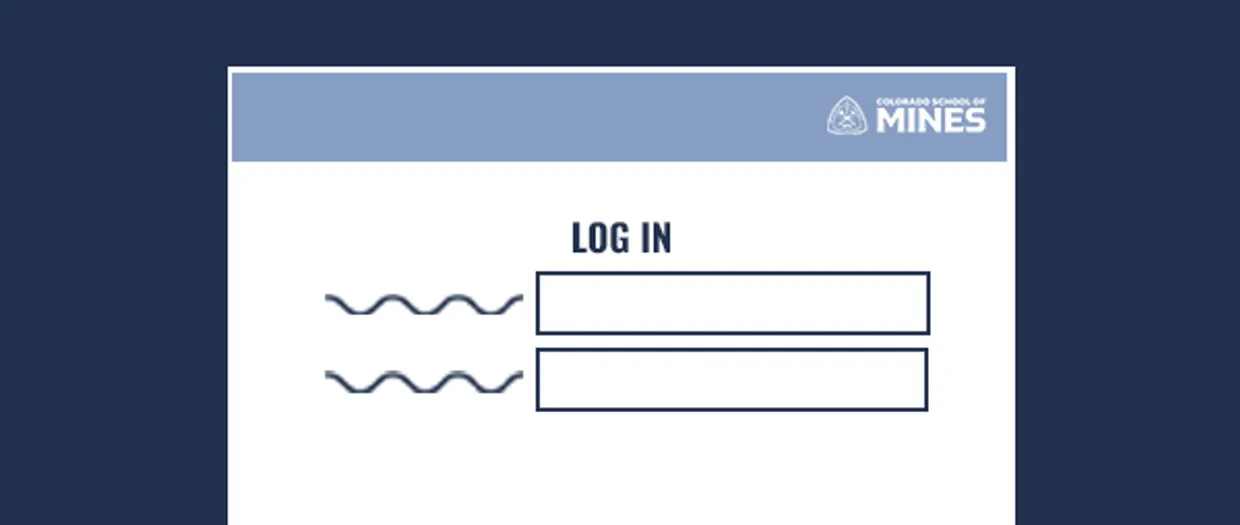
Log In To Your Mines Application Account
You will complete your identity verification within your admissions application account. You should use your already created credentials which include your personal email and password. You can log in below or follow the link within the email notification.
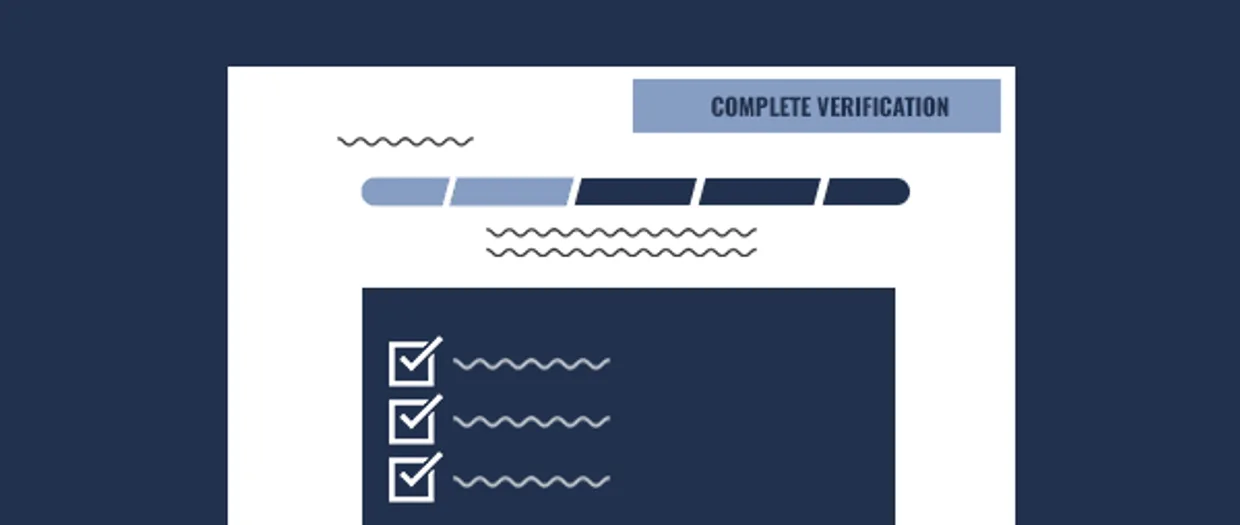
Start Verification
You will see an alert and new list item in your application materials checklist indicating you have been requested to complete the identity verification process. Click to start the identity verification process.
Note: this process requires that you have access to a smartphone and your identity documents, such as a driver’s license or passport.
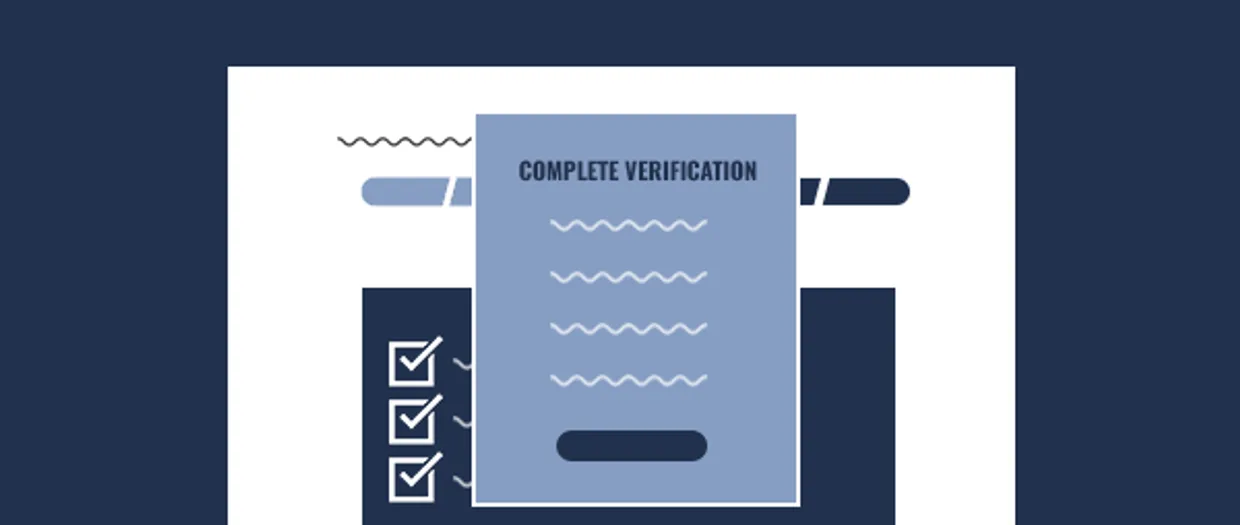
Follow The On-Screen Instructions
The Stripe-powered identity verification tool will open. Read the instructions displayed and click to continue. Stripe uses biometric technology to make sure it’s you.
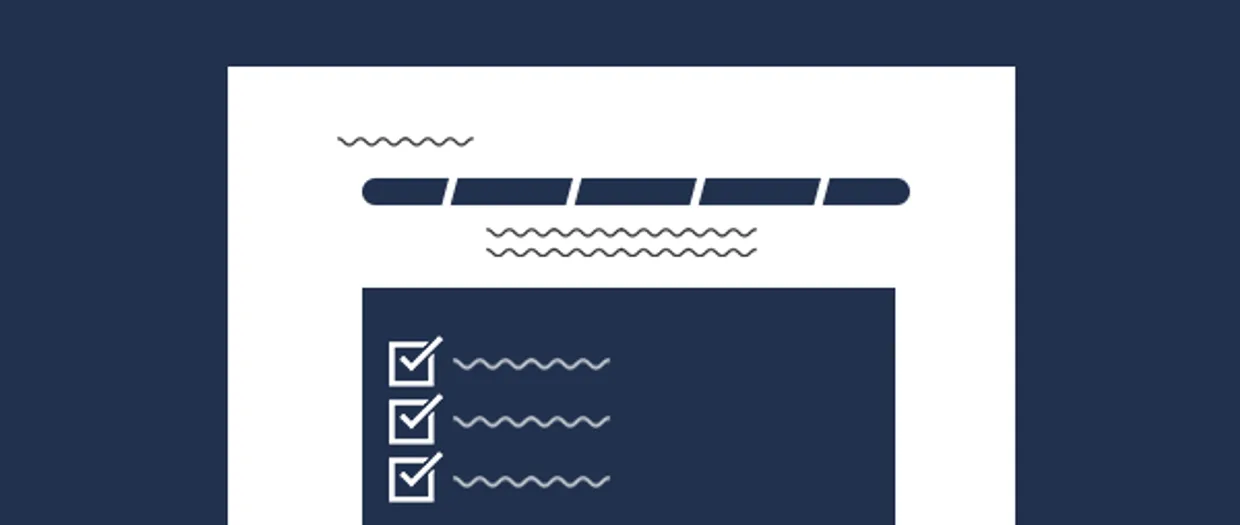
Identity Verification Complete
It’s that easy! You will see the identity verification in your application materials checklist indicating you have completed this step.
Note: this process requires that you have access to a smartphone and your identity documents, such as a driver’s license or passport.
Complete Your Identity Verification
You can complete your identity verification by logging in to your admissions application account. The step will only appear if you have been selected to complete this process.
Need Help? Contact Us
Graduate Admissions in the Office of Graduate Studies
1600 Jackson St.
Golden, CO 80401
(303) 273-3247
grad-admissions@mines.edu
More About Mines
Mines Online
Flexibility in formats that fit your life.
Mines Research
Innovation with impact.

Get to Know Mines
Whether you visit in person or join us online, touring campus is the best way to experience what life is like in Golden — and why students choose Mines.