

Links
Links can be added to Text Blocks using the HTML editor to direct visitors to related pages, documents or external websites. Use clear, descriptive link text that explains where the link will take visitors. Avoid generic phrases like "click here" or "read more."
When linking to other pages within the Mines website, use Terminalfour's internal linking tool rather than copying and pasting URLs. This helps maintain links when pages are moved or updated.
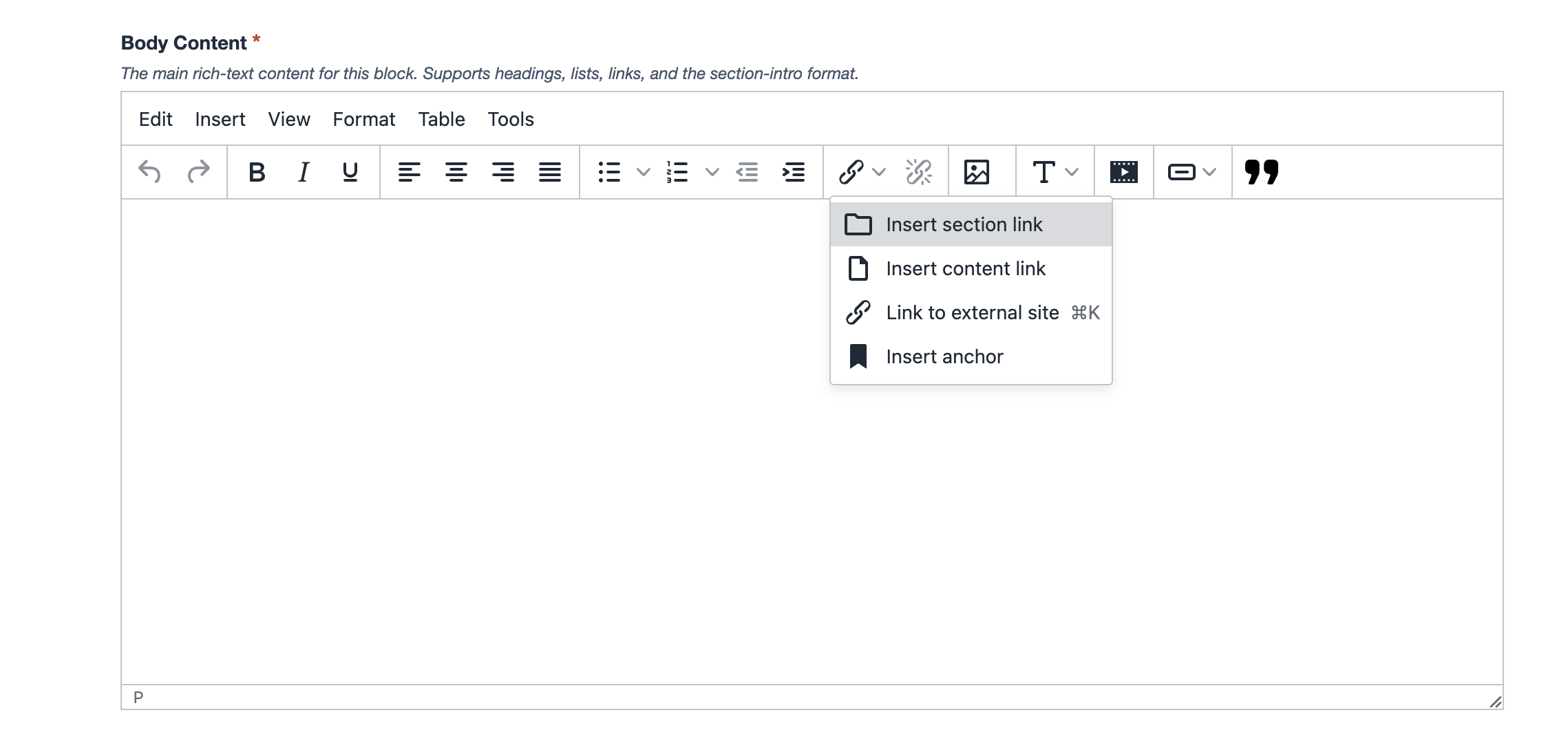
How to Add Links
Please include screenshots and examples of how to:
- Creating section links and how to search
- Creating content links “skip links”
- Accessibility best practices for links
- How to edit a link name
- How to remove a link
- How to turn a link into a button