

Source/HTML
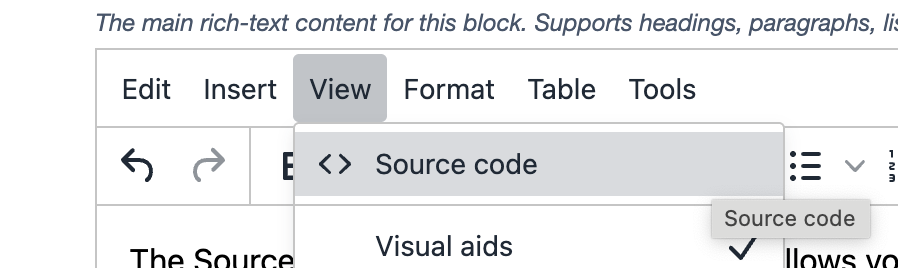
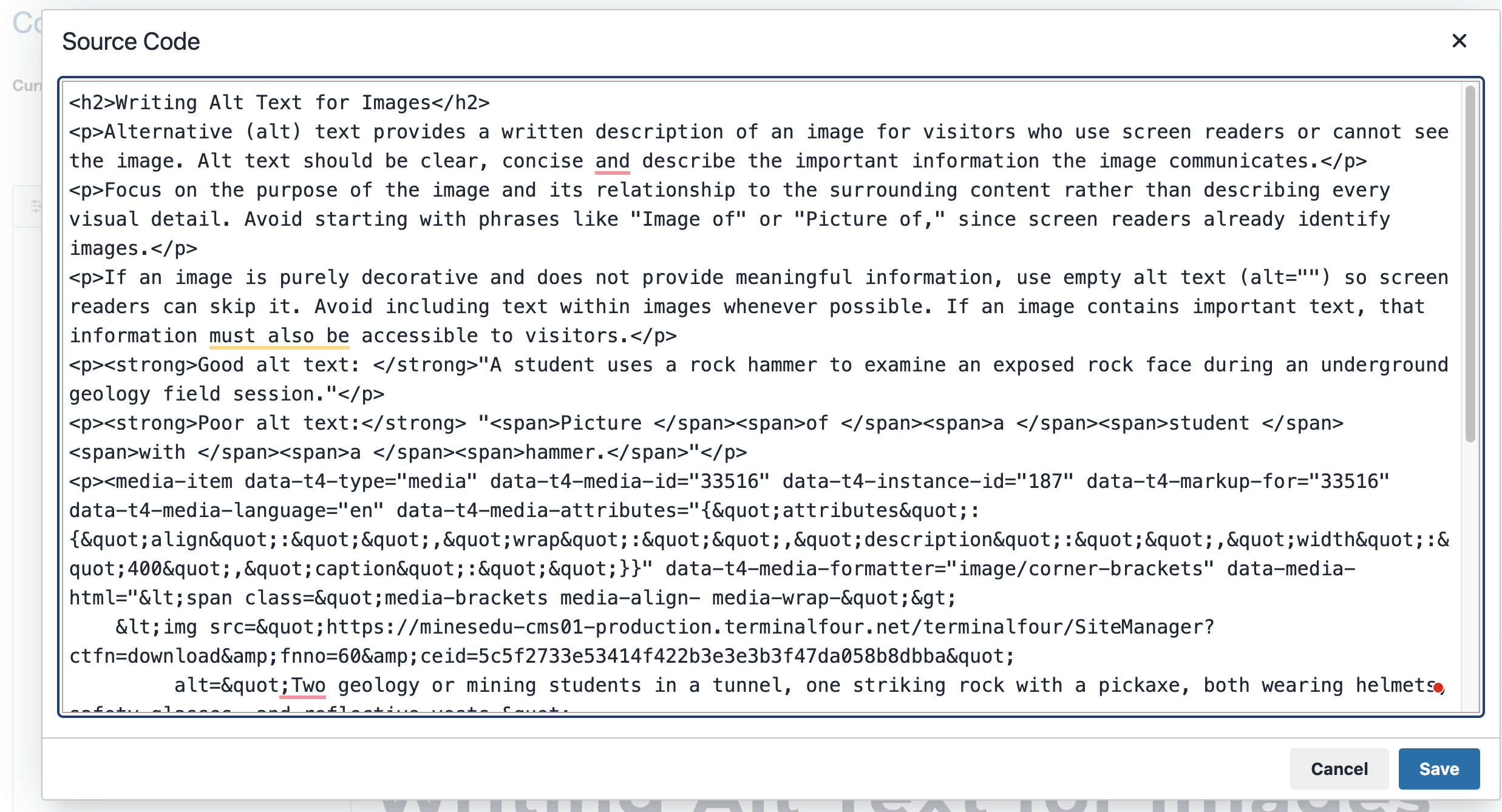
The Source Code option in the HTML editor allows you to view and edit the HTML behind your content. This can be useful for adding iframe embeds or removing unwanted formatting and styles that may have been copied from another website or document. Source Code can also be used to clean up HTML when content is not displaying correctly. Scripts and other custom code cannot be added through the Source Code editor. To add JavaScript, third-party widgets or other custom code, you must use the Code Block content type instead.
Source Code Guidelines
The Source Code editor should only be used to make basic HTML adjustments, add iframe embeds or clean up unwanted formatting. All content must follow Mines brand guidelines and established website design standards.
- No custom styling: Do not add custom CSS, inline styles, colors, fonts, font sizes or other visual formatting.
- Follow brand guidelines: Do not use HTML to create custom designs, layouts or elements that fall outside the approved Mines design system.
- Use existing content types: Use Terminalfour's approved content types and formatting options rather than creating custom layouts or design elements in HTML.
- Remove unwanted formatting: Use Source Code to remove unnecessary HTML and styles copied from other websites, documents or applications.
- Maintain accessibility: Use proper HTML structure, including headings, lists, links and descriptive iframe titles.