Videos
The Video content type allows you to add videos to your website using several display options.
Several video options are available, including Single YouTube Video, Single Kaltura Video, Video Carousel and Video Shorts. Each option provides a different way to display video content depending on the number of videos you want to feature and how you want visitors to view them.
Video Display Options
Single YouTube Video
Displays a single video hosted on YouTube. This option works well when you want to feature one video on a page, such as a department overview, student testimonial, research highlight or instructional video.
Single Kaltura Video
Displays a single video hosted on the university's Kaltura video platform. This option is useful for featuring videos that are managed and hosted through Media Space rather than YouTube.
Video Carousel
Displays multiple videos in a carousel that allows visitors to navigate between them without leaving the page. The carousel supports videos hosted on either YouTube or Kaltura and works well for featuring a collection of related videos, such as student experiences, faculty interviews, program highlights or research projects.
Video Shorts
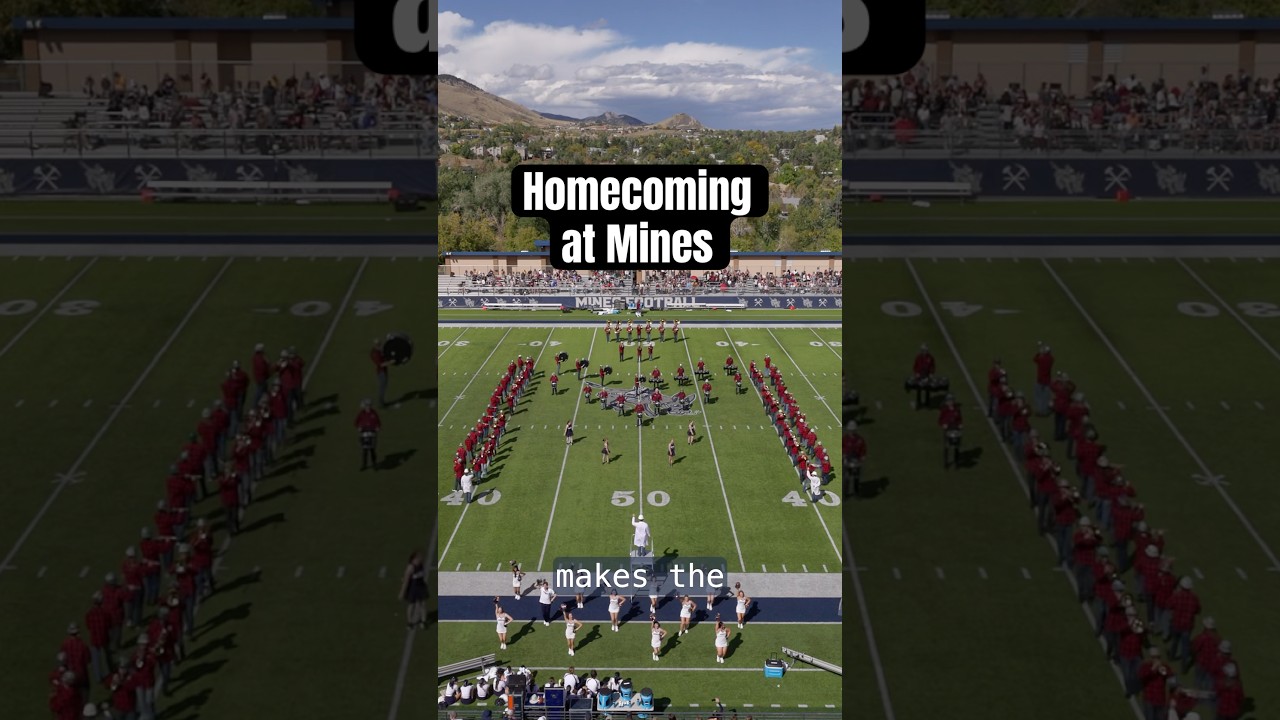
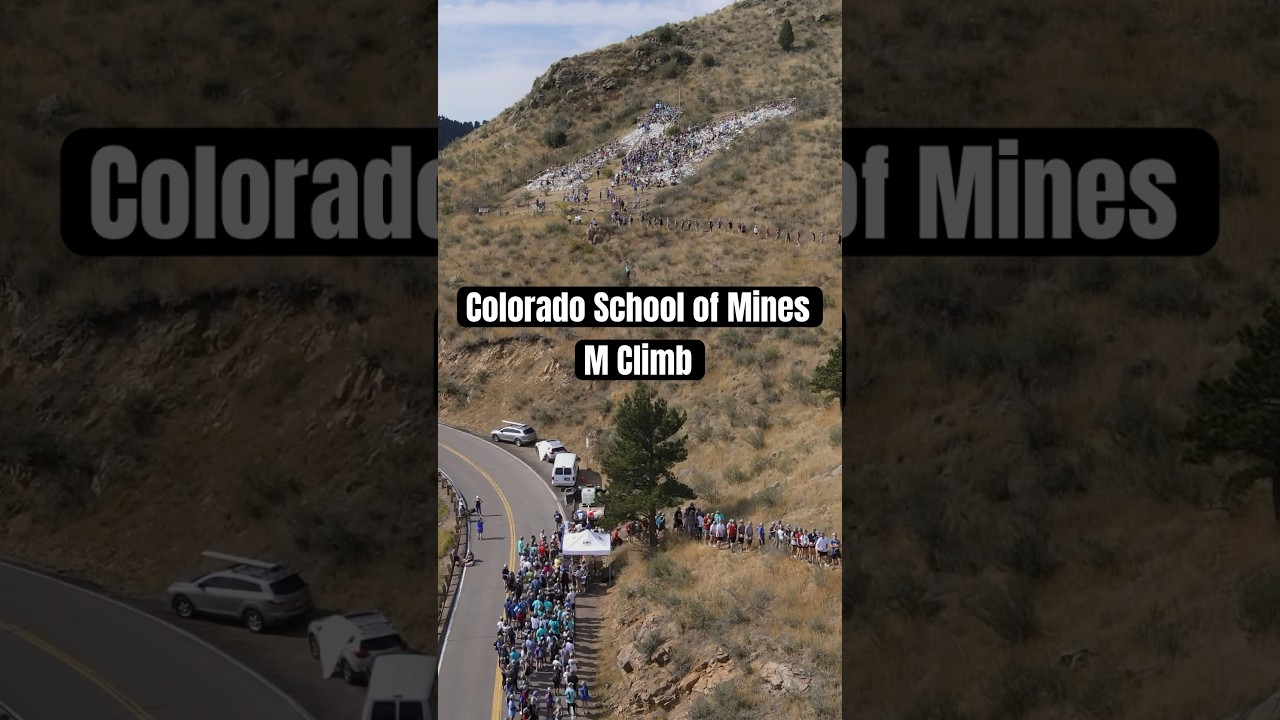
Displays short-form videos designed for quick viewing. This option works well for brief student stories, campus highlights, department activities or other short videos that can be presented together in a visually engaging format.
Adding Videos to Text Blocks
Videos can also be embedded directly within the Text Block content type. This is a good option when a video needs to appear alongside written content, such as an explanation, instructions or supporting information.
For more information about embedding and managing videos within Text Blocks, see our Working in Text Blocks resources.
Video Accessibility
All videos added to websites must meet accessibility requirements. This includes providing accurate captions for spoken content and ensuring that important visual information is accessible to visitors who cannot see the video. Content editors are responsible for reviewing videos for accessibility before publishing them.
See examples of each video display option below.
Single YouTube Video
Displays YouTube video centered on the page. Only one video will appear.
Single Kaltura Video
Displays Kaltura video centered on the page. Only one video will appear.
Video Carousel
Displays YouTube or Kaltura videos in a carousel format, showing one video at a time centered on the page with slider arrow navigation
Video Shorts