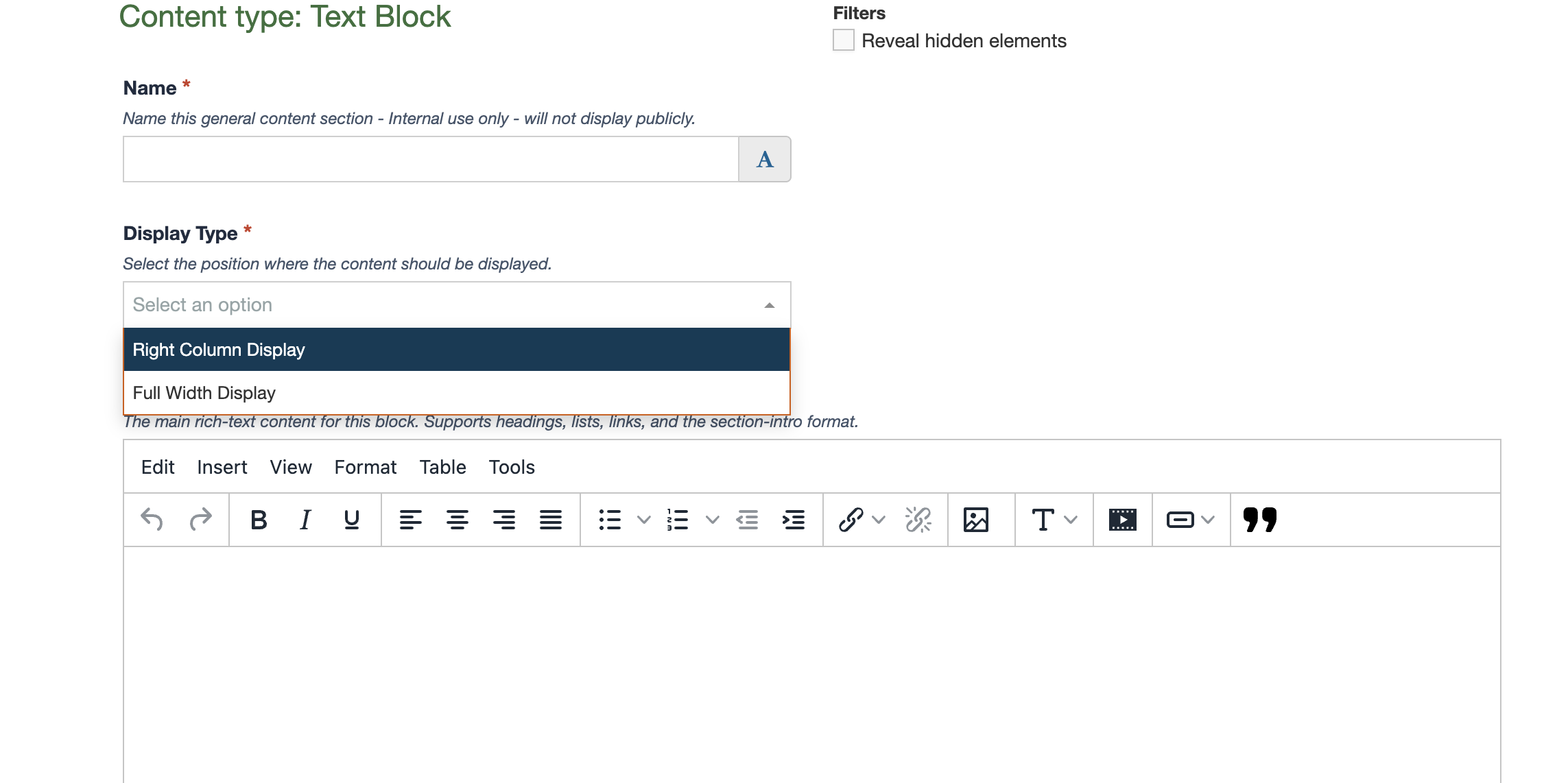
Text Block
The Text Block content type is one of the most commonly used content types and provides a flexible way to add and organize content on a page. It can be used for everything from simple paragraphs and headings to more detailed content that includes images, videos, buttons, quotes and tables.
The Text Block includes a rich text editor that allows you to format text, create bulleted and numbered lists, add links, insert images and organize information using headings. You can also embed videos, add buttons to direct visitors to related content, quotes and create tables for presenting information in rows and columns.
When creating content, use headings to organize information, keep paragraphs relatively short and use formatting consistently throughout the page.
In addition to this standard single-column Text Block, Two-Column and Three-Column Text Block options are available. These allow you to organize content into multiple columns on the same page and are useful for displaying related information side by side.
Accessibility is especially important when working with Text Blocks, and content editors are responsible for ensuring their content meets accessibility requirements. This includes using headings in the correct order and using descriptive link text. Do not manually change text colors or apply custom formatting. Learn more about creating accessible content in text blocks in our Accessibility Documentation.
More detailed instructions and examples for each of these features can be found in the Text Block Resources.