

List
The List content type displays a group of items in a structured layout, with options for a boxed style featuring a Colorado Red border or an unboxed layout. List styles include no bullets, green checkmarks or red X icons, depending on the type of information being presented.
This content type is intended for specific uses, such as highlighting benefits, requirements, features or information that would be easier to understand with visual indicators. Green checkmarks can be used to identify included features or benefits, while red X icons can indicate exclusions or items that are not available.
The List content type should be used sparingly and only when one of these specialized layouts adds value to the content. For standard bulleted or numbered lists, use the text block instead.
When using this content type, keep list items short and consistent in format. Choose the style that best represents the information and avoid using checkmarks or X icons simply for decoration.
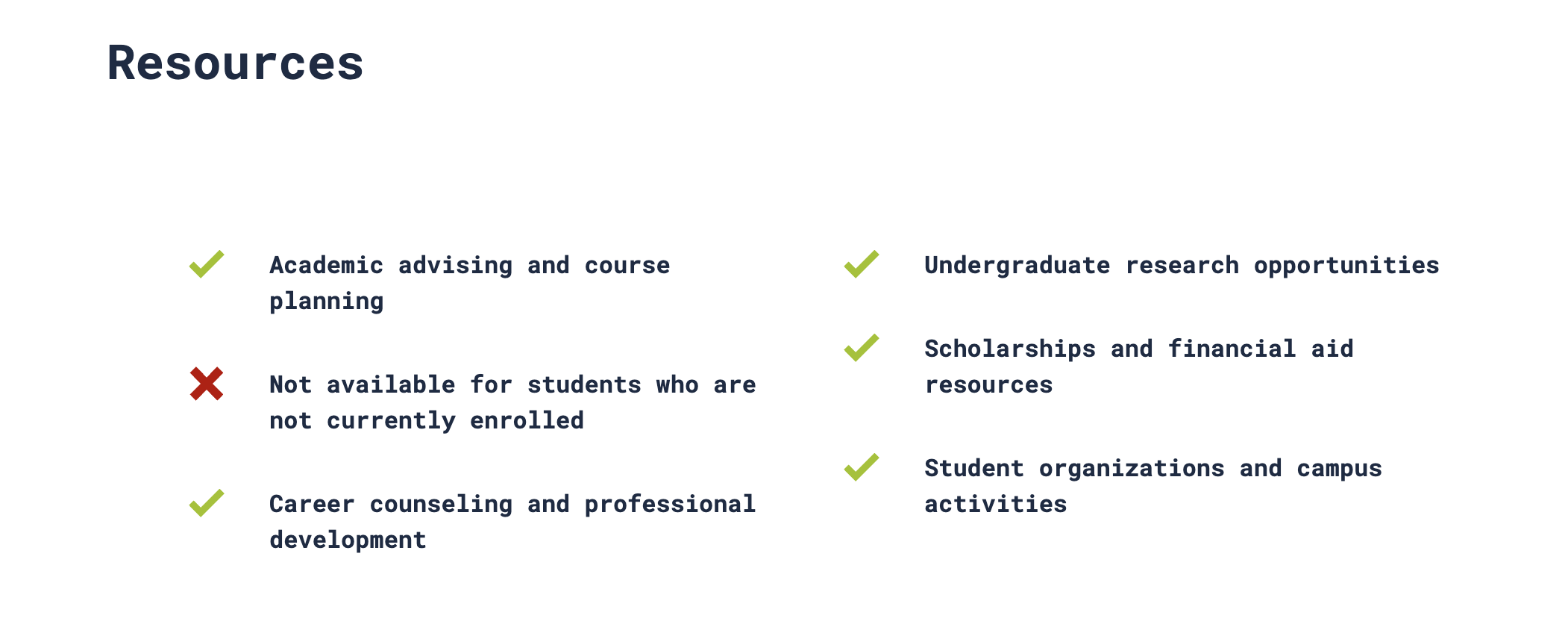
See examples below.
List Boxed
-
Confidential
-
Independent
-
Impartial
-
Informal
List Classic Columns
-
Academic advising and course planning
-
Not available for students who are not currently enrolled
-
Career counseling and professional development
-
Undergraduate research opportunities
-
Scholarships and financial aid resources
-
Student organizations and campus activities