
Callout
Callout components can be used to highlight important information, quotes, statistics, testimonials and other content you want to stand out on a page. They provide a way to break up longer pages and bring attention to key messages. Callouts are available in both full-width and regular-width layouts, depending on how much space you want the content to occupy.
Each layout has two options: a static image callout for featuring a single message or a carousel for displaying multiple messages within the same section. Carousels allow visitors to move between slides, and each slide can include an image and an optional button linking to another page or website.
When choosing a callout, consider the amount of content you have and how you want visitors to interact with it. A static callout works well when you have one message to highlight, while a carousel is useful when you have several related items to feature without taking up additional space on the page.
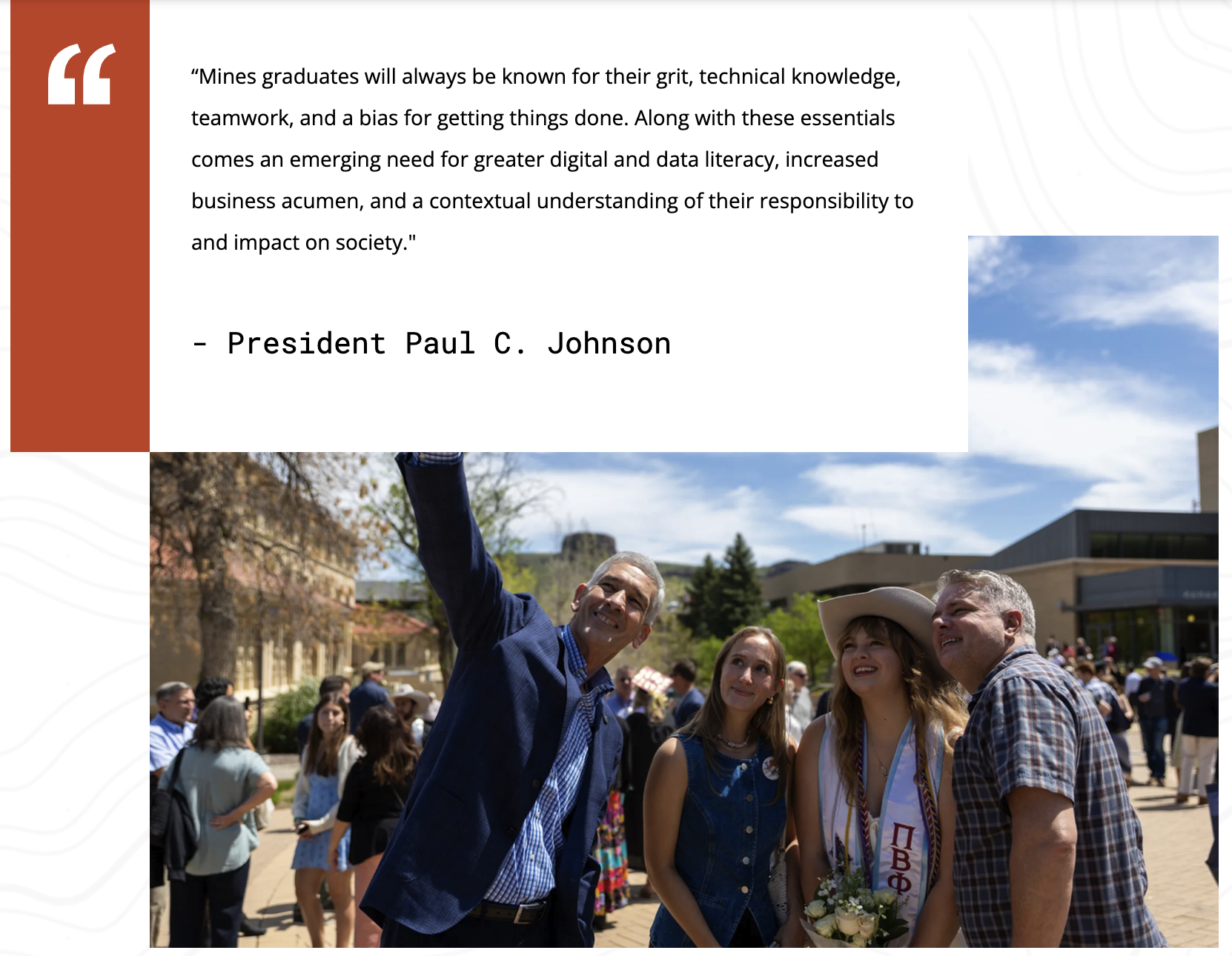
See examples of each callout option below.

Callout - Static Image Full Width
Displays a full-width callout quote designed to showcase quotes, key messages, statistics, testimonials or other featured content. Ideal for drawing attention to important information while maximizing visual impact.
Callout - Static Image Regular Width

Callout Headline
Displays a regular width callout quote designed to showcase quotes, key messages, statistics, testimonials or other featured content. Ideal for drawing attention to important information while maximizing visual impact.



Callout - Carousel Image Regular Width